

GeoList

Geographic Contact Targeting for Marketing Teams

Visualize contact density across the US, draw radius circles for location-based segments, and create targeted lists directly from your CRM data.
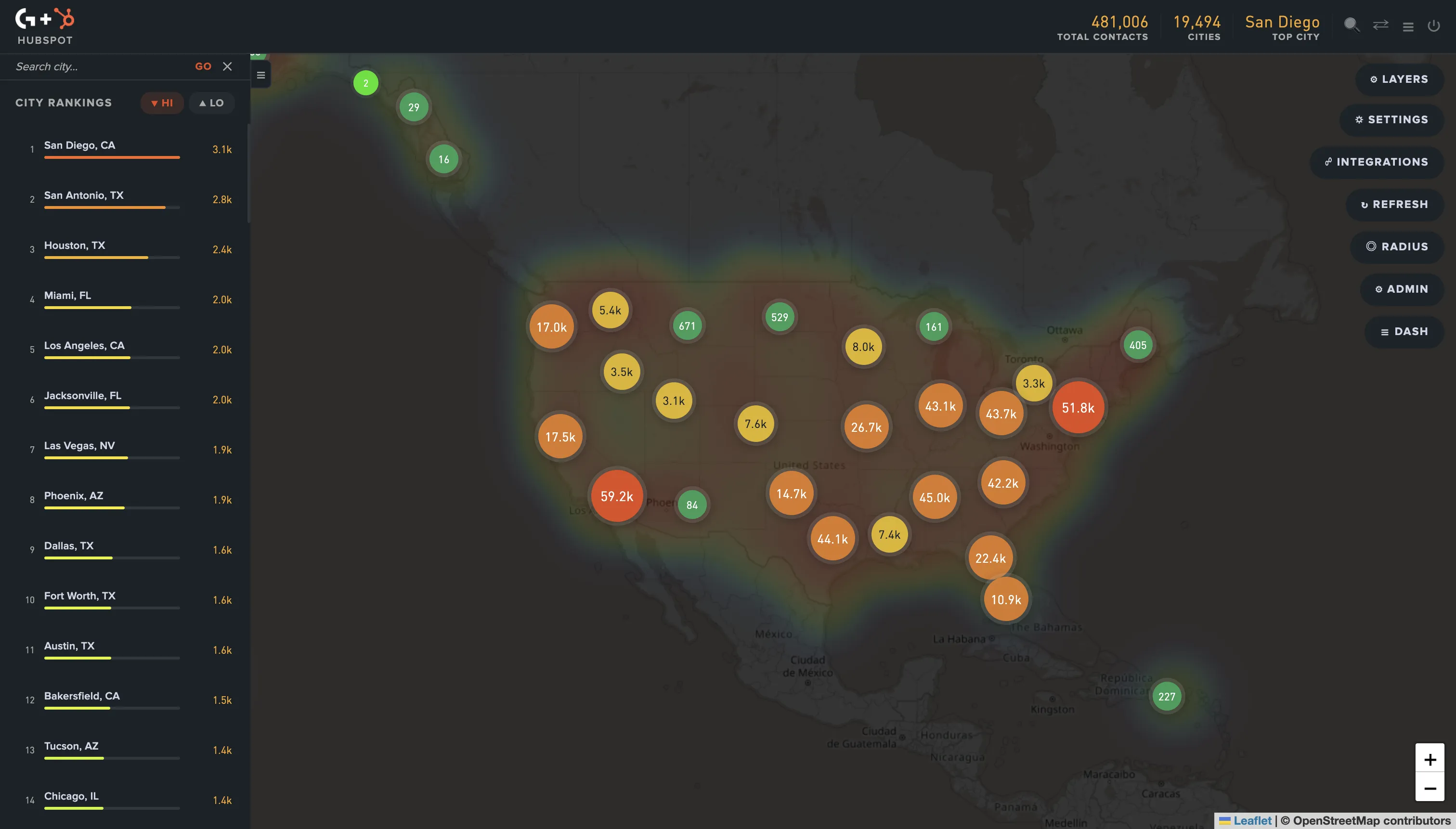
GeoList map visualization

Map Visualization

See contact density across the US with an interactive heatmap. City rankings, state-level data, and real-time visualization.

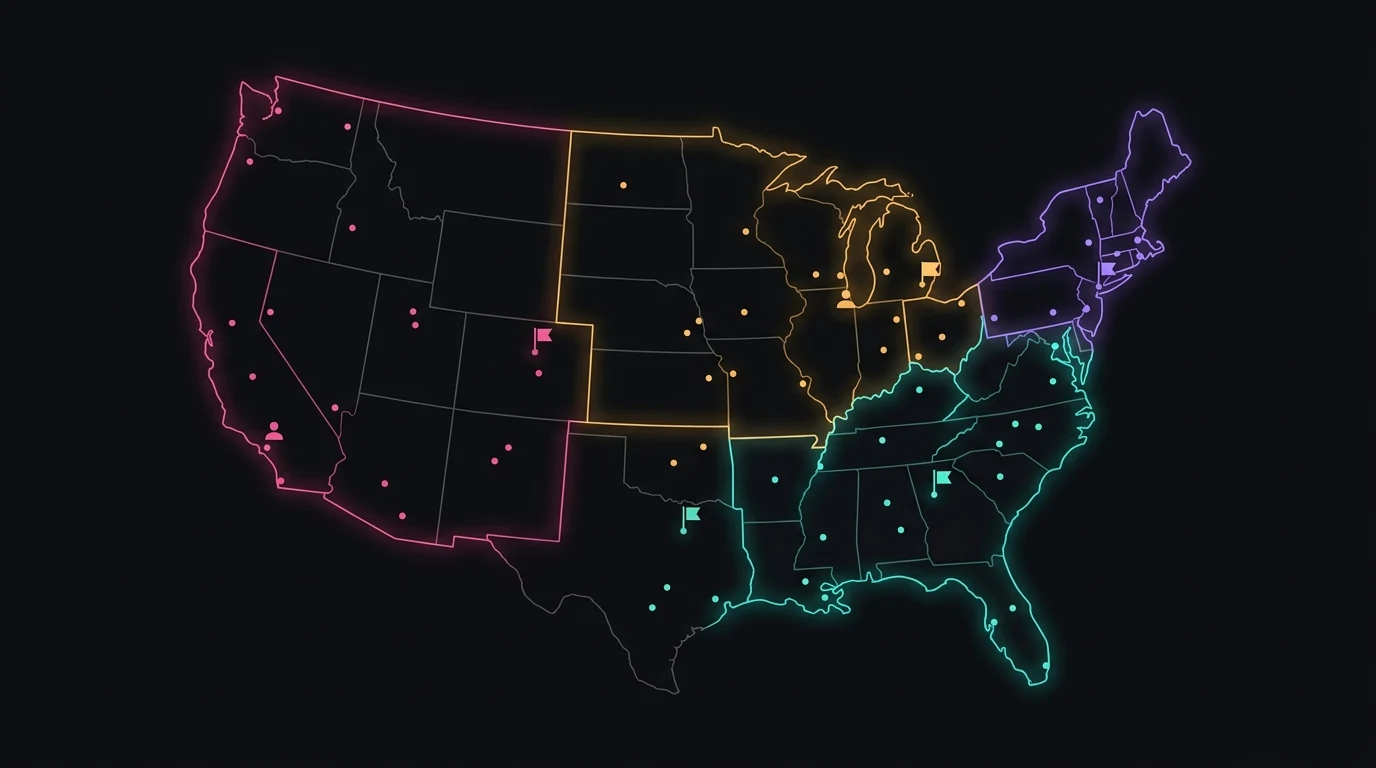
Radius & State Selection

Draw circles on the map or select entire states to build targeted contact segments instantly.

Multi-Platform Support

Works with HubSpot, Mailchimp, and Shopify. Connect your CRM and start visualizing in minutes.

Built to help marketing teams target smarter

GeoList connects to your CRM and turns contact data into actionable geographic intelligence.

GeoList dashboard showing contact density map across the United States

Contact data syncs directly from your CRM with no manual imports needed.

Real-Time Data

Contact data syncs directly from your CRM with no manual imports needed.

City Rankings

See which cities have the highest contact density at a glance.

Secure Access

Your CRM credentials are encrypted and data is never stored permanently.

Team Ready

Multi-tenant architecture lets each team manage their own integrations.

How It Works

Get started in three simple steps

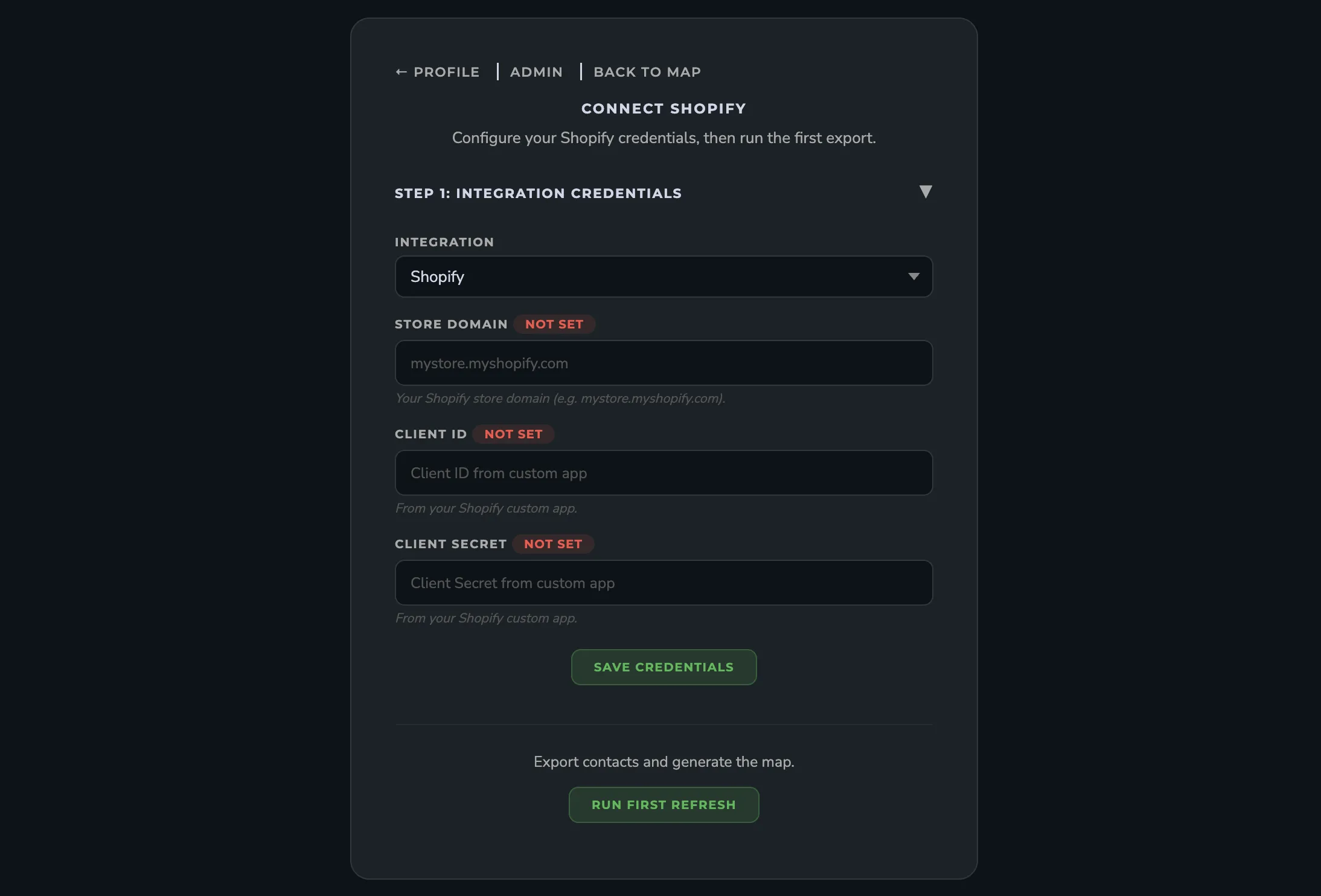
Connect Your CRM

Link your HubSpot, Mailchimp, or Shopify account with a few clicks. GeoList connects securely through official platform APIs.

GeoList CRM connection screen

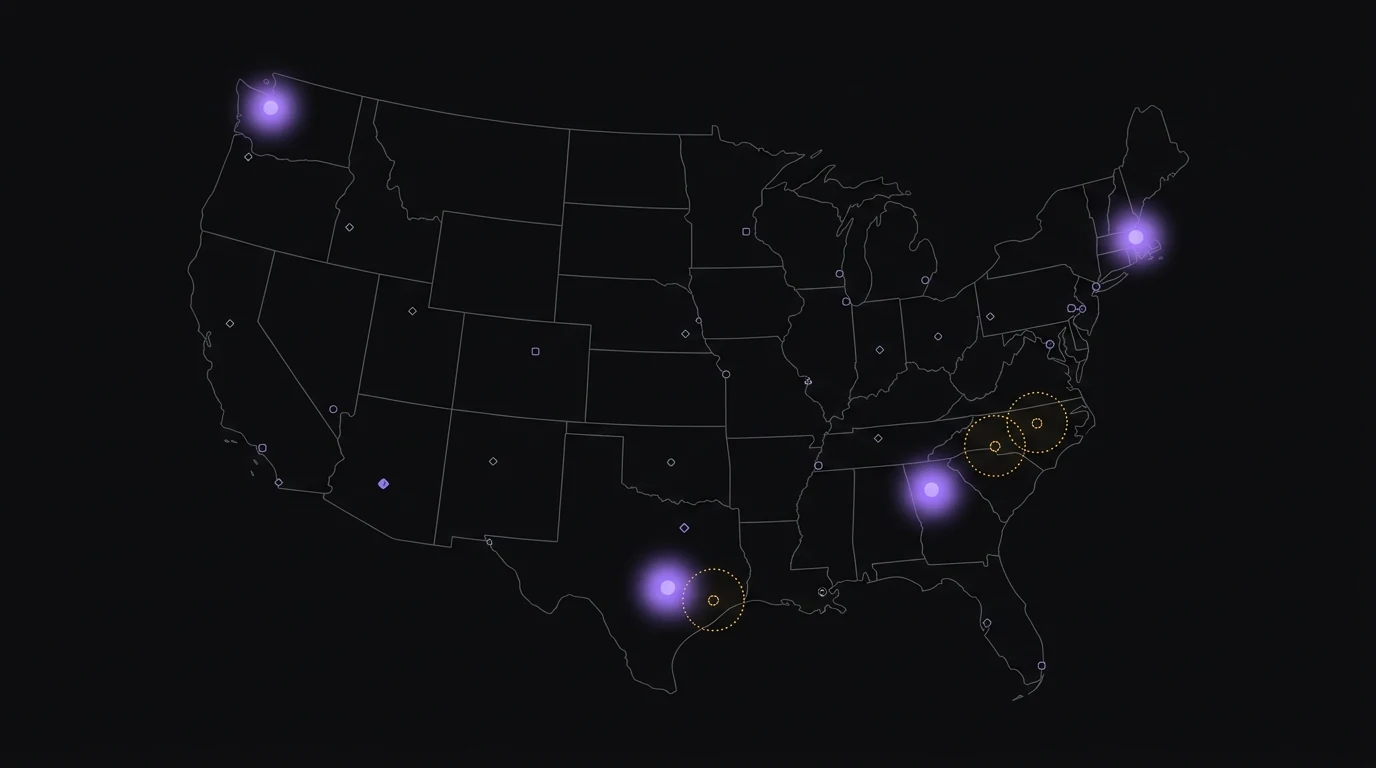
Visualize Your Contacts

See your contacts plotted on an interactive map with city rankings, density clusters, and geographic patterns.

GeoList map visualization with contact density

Create Targeted Lists

Draw a radius circle or select states to build targeted segments. Export lists directly back to your CRM.

GeoList radius selection and list creation

Works with the platforms you already use

Frequently Asked Questions

GeoList is a multi-tenant SaaS application that visualizes your CRM contact data on an interactive US map. It helps marketing teams identify geographic patterns and create targeted contact lists based on location.
We'd love to show you how GeoList works for your team. Get in touch to request a personalized demo.
GeoList integrates with HubSpot, Mailchimp, and Shopify. You can connect any of these platforms and start visualizing your contacts immediately.
Most users are up and running in under five minutes. Connect your CRM account, authorize access, and your contacts appear on the map right away. No data imports or CSV uploads needed.
No. GeoList is designed for marketing teams. The interface is point-and-click - draw circles, click states, and export lists. No coding or technical configuration required.
You can draw a circle on the map by clicking a center point and dragging to set the radius. All contacts within that area are automatically selected and can be exported as a list or segment in your CRM.
Yes. GeoList supports state-level selection where you can click on individual states to select all contacts in those areas. You can combine multiple states into a single segment.
City rankings show you which cities have the highest concentration of contacts in your database. This helps you identify hotspots for regional campaigns, event planning, or local marketing initiatives.
Yes. When you create a geographic segment in GeoList, you can push that list directly back to your CRM as a contact list or segment. This means you can immediately use it in email campaigns, workflows, or ad audiences.
You can use either radius circles or state selection for a given segment. Each method provides a different level of geographic precision depending on your campaign needs.
GeoList reads your contact data securely through official platform APIs. Your data is never sold or shared with third parties. Contact information is processed in real-time and not permanently stored on our servers.
GeoList connects to your CRM using official OAuth flows or API keys that you provide. Credentials are encrypted at rest and in transit. We never store your CRM login password directly.
Contact data is processed in real-time for map visualization. We do not permanently store your full contact records. Only aggregated geographic data is cached temporarily to improve performance.
Yes. You can disconnect your CRM integration at any time from your GeoList dashboard or directly from your CRM platform's connected apps settings. Disconnecting immediately stops all data access.

Ready to map your contacts?

Get in touch and we'll help you get started.